On the call
A live walkthrough
An example visit, start to finish
30 minutes
Times shown in your own time zone
Your own questions
Time set aside to ask them
A clinical assistant for doctors
Notya assists with documentation. It records the visit with the patient’s consent and drafts the note for you to read, correct and approve; the calendar, invoices and a page for each patient sit beside it. It does not diagnose or suggest treatment, and nothing becomes part of the patient’s record until you approve it.
Book a demo
Dr. Gokhan Mamur walks you through an example visit, start to finish, on a private video call — 30 minutes, at a time that works for you.
On the call
A live walkthrough
An example visit, start to finish
30 minutes
Times shown in your own time zone
Your own questions
Time set aside to ask them
01 — The visit
With the patient's consent, start the recording and carry on with the visit. When you stop, the recording is transcribed and a note is drafted from what was said.
A visit · 09:14 · General template
The assistant
drafting
These visits are invented examples. In a real clinic every sentence waits for the doctor's approval.
02 — The note
The steps at the end of the visit stand in front of you, in order. The draft is written from what was said, and the assistant is told to add nothing more. You read it, correct it and approve it. An approved note is never changed afterwards.
The visit note
Recording, with consent
Transcript
Draft note
Your approval
Nothing becomes part of the patient’s record until you approve it.
03 — Patient's page
You give a patient a link and a PIN. On their page: coming appointments, the summaries you chose to share, a request for an appointment, the form before a visit, and messages you write, which they read and answer there. No app to install.
Patient's page
Coming appointments
Summaries you shared
A request for an appointment
Messages you write
The form before a visit
One link and a PIN. No app.
04 — Before the visit
Ask a patient to fill in a short form on their page before the visit: general questions first, then the questions of your specialty. You read the answers as the patient's own words.
Form before the visit
You ask
From the patient file
The patient fills it in
On their own page
You read it
Before the visit
05 — Calendar
Your working hours and breaks, your calendar by month, week and day, and each appointment linked to its visit. Patients can ask for a time from their own page and you answer: a request books nothing until you do. A reminder text is ready for you to copy and send yourself.
Calendar
Working hours and breaks
Month, week and day
Appointment requests from patients
Reminder text
06 — Your specialty
Each specialty and profession has a note of its own shape, its own questions before a visit, and its own tools. You choose it when the account is opened, and the screen is set up for it. The texts were drafted by machine and await a clinician of each specialty.
Birth history, feeding, development and what was said about vaccinations each have their place in the note.
Menstrual and obstetric history and the current pregnancy each have their place in the note.
Acuity, pressure, anterior segment and fundus each have their place in the note.
07 — Tools and follow-up
Tools for your specialty: checklists, published scores with their source, date arithmetic. Keep a result in a patient's file with a follow-up date of your own, and it appears on your follow-up list. Keep photographs on the patient’s file in a photo archive for viewing and side-by-side comparison; no model reads them.
Follow-up list
Follow-up overdue
Follow-up today
The dates are yours. The system proposes none and sends nothing.
Your assistant
Each of the 44 specialties and professions has an assistant with its own name. You meet it on your home screen, and it is named on the visit and on every note it drafts. The names are invented product names, not real clinicians. Press the microphone on your home screen and talk to it: you hear it in an Australian voice, and the full text stays on your screen. The assistant helps the practitioner find and read back information recorded in the patient’s file. It does not make clinical decisions; every clinical decision stays with the practitioner.
Your assistant
Home screen
Named for your role
Visit screen
Says who drafts the note
Drafted note
Marked “Draft written by …”
Approval
Voice
Reads back the patient’s file
Change your specialty in Settings and the assistant changes with it.
Privacy
On their own page a patient can read the collection notice, record their consent as a separate action, withdraw it, and ask to see or correct their information. You see each request with the days left on a 30-day response target, and the consent records, on one screen.
Privacy requests
Access request
Correction request
Consent records
Date and notice version
Withdrawn consent
Shown as withdrawn
Invoices
Create an invoice for a patient in Australian dollars with your practice details (ABN and address) printed from Settings. Connect your own Stripe account and the card page, the money and the refunds are yours. Notya is not the merchant, holds no funds and takes no platform fee.
Invoice
Lines, GST per line
Your ABN and address
From Settings
Stripe
Your own account
Mode
Refund
Full or partial
Card details are taken by Stripe’s hosted page, not by Notya.
Australian practice tools
For doctors: checklists of the particulars that Australian legislation prescribes for a Medicare account, a PBS prescription and a GST tax invoice, a format check of Medicare card and provider numbers, and links out to MBS Online and the PBS listings. Paediatric tools plot growth measurements and record immunisation dates against the Australian schedule. The practitioner reviews and interprets the information. Each tool shows its source.
In the tools area
Medicare account particulars
PBS prescription particulars
GST tax invoice particulars
Card and provider number
MBS Online, PBS listings
Reference tools. They do not give advice or bill anything.
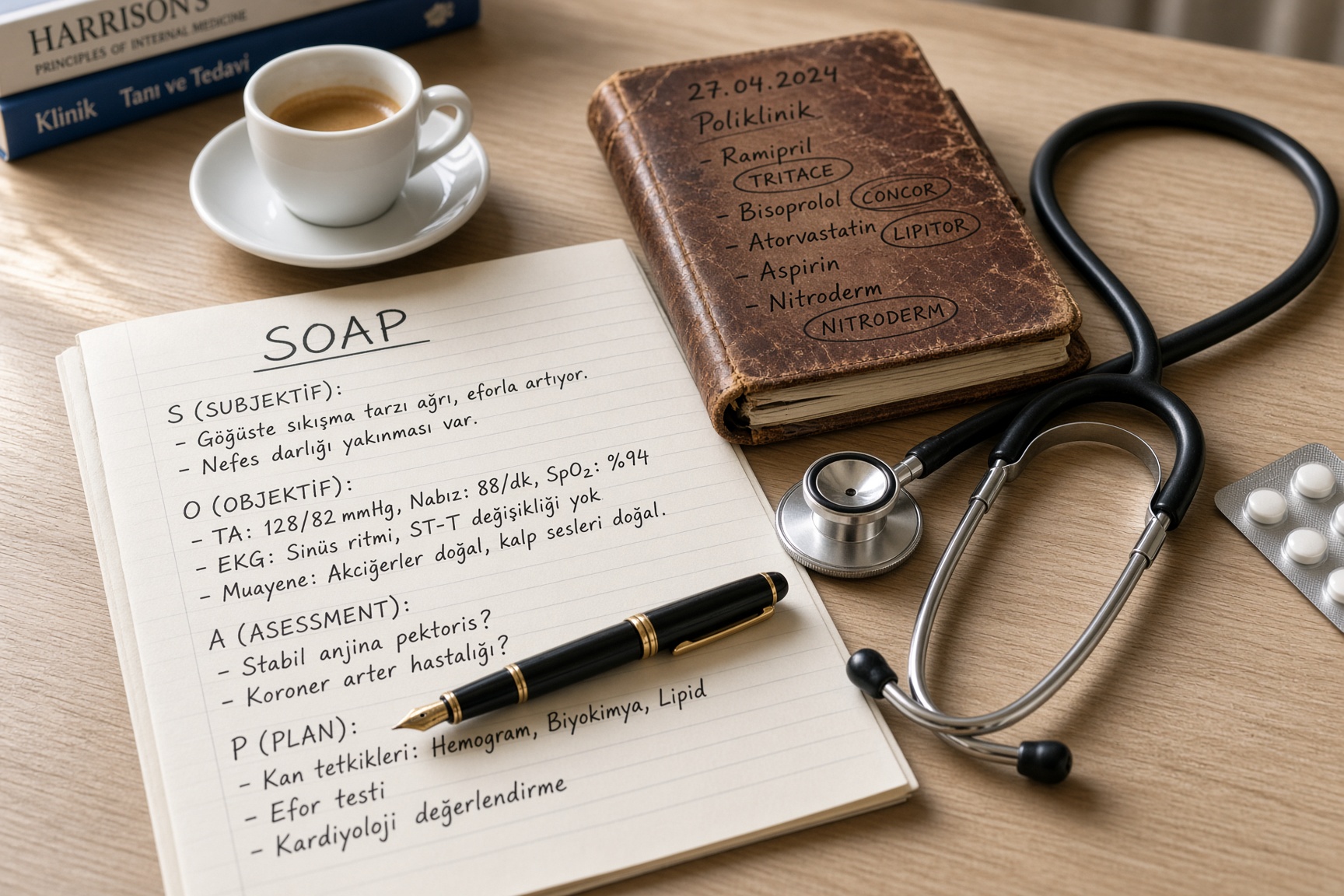
Visit notes · illustration
08 — Your decision
The assistant drafts; you decide. A second draft never replaces the first: you choose which one to approve.
Approved
“Approve.”
Approved and saved to the patient file. An approved note is not changed afterwards.
Nothing is final until you say so.
09 — Safeguards
The assistant drafts. The doctor decides.
Separate access
Each doctor sees only their own patients.
The doctor's approval
A note, and everything a patient sees, passes your approval first.
Nothing sent by itself
The system sends nothing out. A message stays on the patient's page, and you tell the patient it is there.
Your clinical judgement
Notya drafts and organises what you record. It does not diagnose or recommend treatment; every clinical decision stays with the registered practitioner.
10 — Plans
Anyone can create an account and start a 15-day free trial, no card needed. Current pricing is published on the founding page. Monthly prices may change with 30 days’ notice. Annual prices are locked for the prepaid year. Prices are in Australian dollars (AUD).
For your work
Questions before you sign up? Tell us the specialty and how you work and we will get back to you, or write to kaan@notya.io.
Ready to try it? Create an account
Notya is a practice management and clinical documentation tool. It does not provide medical advice, diagnosis, or treatment. Clinical decisions remain the responsibility of the registered practitioner.
Notya is designed to help practices handle health information in a manner consistent with the Privacy Act 1988 (Cth) and the Australian Privacy Principles. Practices remain responsible for their own compliance obligations. Patient consent for recording and AI processing is obtained through the in-product consent process before any recording begins. Use of the public website does not constitute patient consent. How Notya handles personal and health information, and which providers process it, is set out in our Privacy Policy.
Where Notya shows clinical reference content, it names the publicly available source it comes from. Notya is not affiliated with those organisations, and they have not reviewed Notya.
Notya is not a substitute for professional medical advice. Always consult a registered Australian health practitioner for medical concerns.
Notya LLC, 3424 Sollers Point Rd., Baltimore, MD 21222, USA · Enquiries and privacy: kaan@notya.io
Privacy PolicyData breach responseAccess and correction requestsSecurityData storage and retentionSub-processorsData processing agreementTerms of use